 AI Meme Tools
AI Meme Tools for Animated GIFs, Text Memes & Sticker Packs
Turn a line of text or a reference photo into looping meme GIFs, viral reaction memes, SVG graphics, and full AI images & videos with GPT Image 2.6.
0/32000
Examples
1 / 35Trending
Drag to compare · Choose a template

01
Create shareable memes, GIFs, and sticker packs with AI Meme Tools
Great internet humor lands in seconds. AI Meme Tools opens straight into animated GIF creation powered by GPT Image 2.6 Flare, so you can turn a punchline into a crisp 7-frame looping reaction GIF right from the homepage.
Switch to PNG for classic top-and-bottom text memes, upload a reference photo in Image mode to generate a consistent multi-expression sticker pack, or pick SVG for scalable meme badges and vector art.
Browse the paired meme showcase below to inspect real animated GIFs, text-to-meme stills, and reference-image sticker packs stored directly on AI Meme Tools. Click Use this prompt to load the exact prompt, mode, format, and reference asset into the studio.
Need more than memes? Keep working in the same workspace with full AI image models, video generators, Kie Seedance 2.5 face swap, multi-vendor LLM code rendering, and free browser image utilities.
 Animated GIF
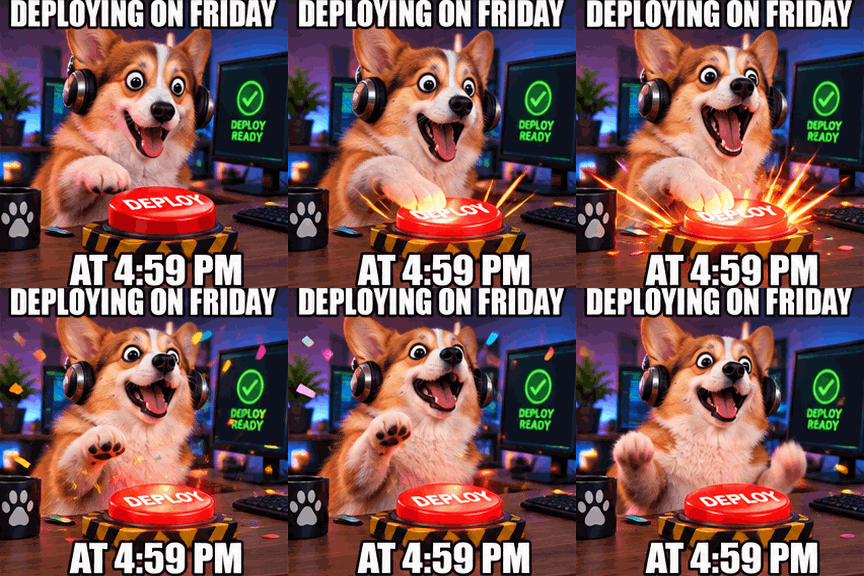
Friday 4:59 PM Deploy Corgi GIF
Animated reaction meme GIF of a wide-eyed fluffy corgi wearing oversized studio headphones slamming a giant glowing red DEPLOY button at a desk as comic sparks and confetti pop around its ears, bold clean white Impact meme text with thick black outline at top 'DEPLOYING ON FRIDAY' and bottom 'AT 4:59 PM', vibrant punchy comedy lighting, seamless looping reaction GIF
 Animated GIF
Zen Capybara Everything Is Fine GIF
Animated reaction meme GIF of a completely calm zen capybara sipping warm yuzu tea in a steaming hot spring while comic red notification bubbles and playful cartoon flames bob behind it, bold clean white Impact meme text with thick black outline at top 'EVERYTHING IS FINE' and bottom 'ZERO PANIC HERE', crisp expressive looping GIF
 Animated GIF
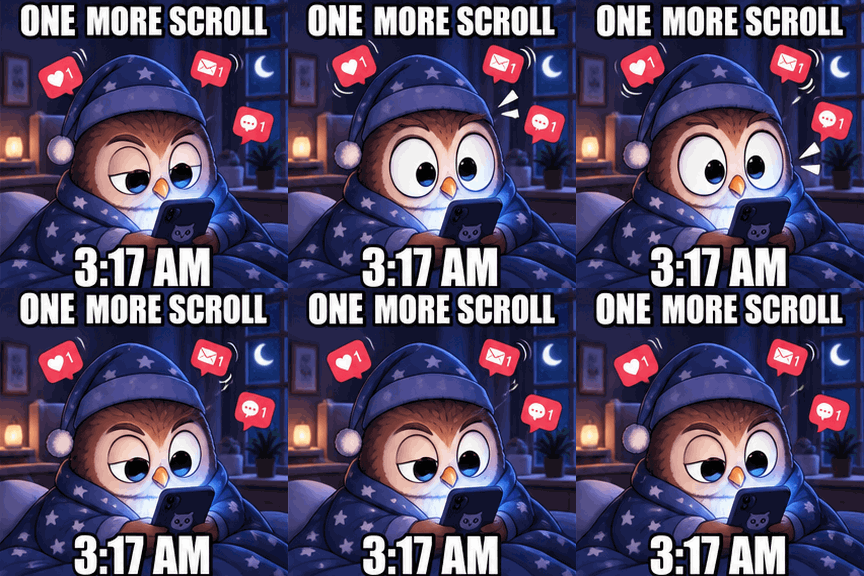
3:17 AM One More Scroll Owl GIF
Animated reaction meme GIF of a nocturnal round cartoon owl in cozy pajamas blinking wide eyes at a glowing smartphone screen while floating unread message badges bounce around its head, vibrant illustration, bold clean white Impact meme text with thick black outline at top 'ONE MORE SCROLL' and bottom '3:17 AM', smooth seamless loop
 Animated GIF
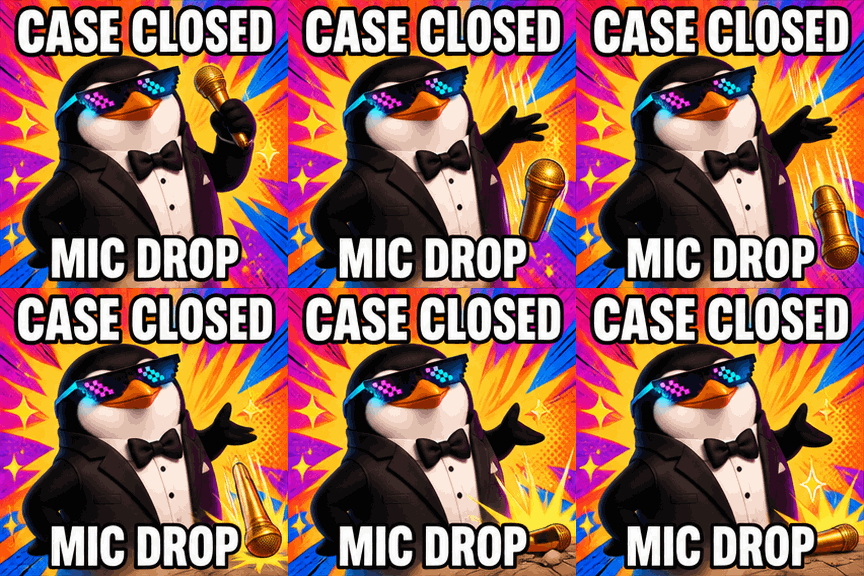
Case Closed Mic Drop Penguin GIF
Animated reaction meme GIF of a smug cool tuxedo penguin wearing neon pixel sunglasses dropping a shiny golden microphone with comic burst lines and sparkles behind it, bold pop-art backdrop, bold white Impact meme text with thick black outline at top 'CASE CLOSED' and bottom 'MIC DROP', joyful looping reaction GIF
 Text-to-Meme
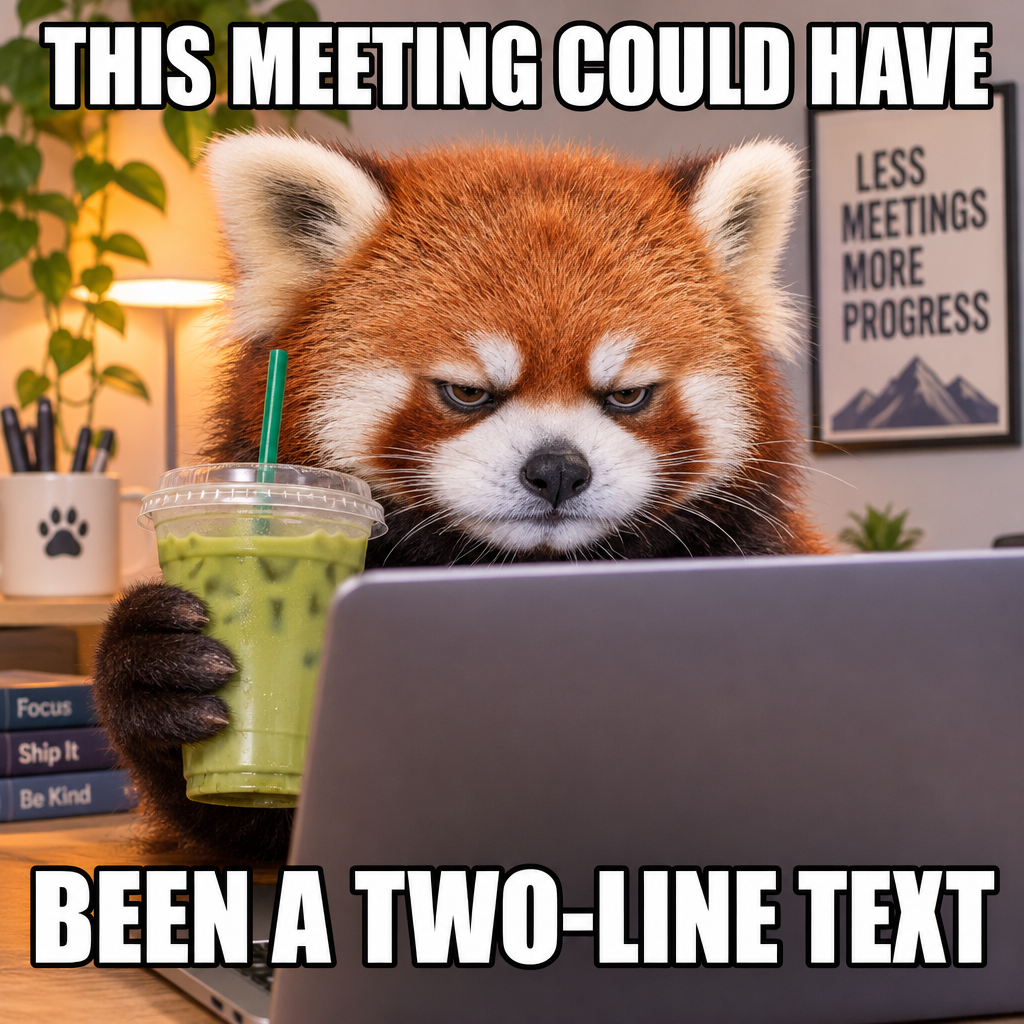
Two-Line Text Meeting Red Panda Meme
Viral internet reaction meme photo of an unimpressed fluffy red panda peering over the top of a glowing laptop screen while clutching an iced matcha latte in a cozy office, crisp bold white Impact meme text with thick black outline at top 'THIS MEETING COULD HAVE' and bottom 'BEEN A TWO-LINE TEXT', sharp studio comedy lighting
 Reference Sticker Pack
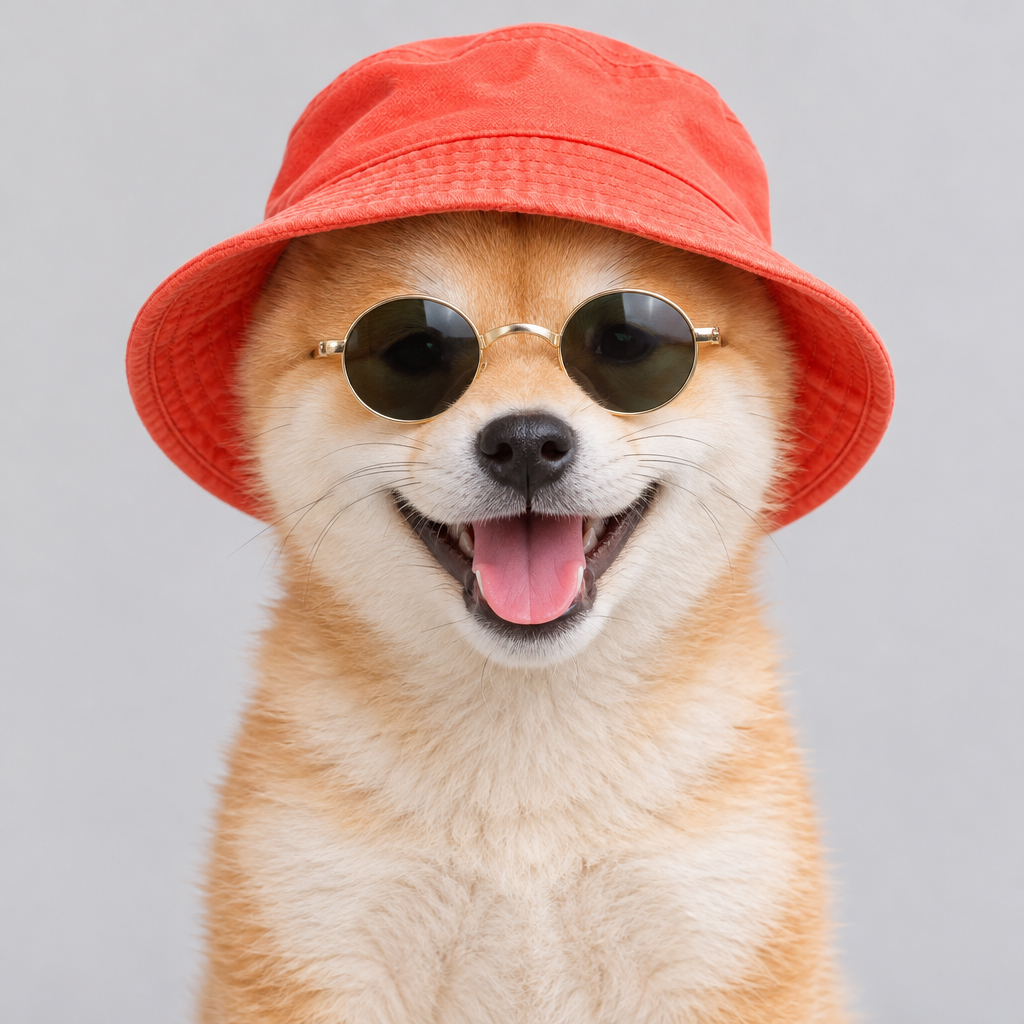
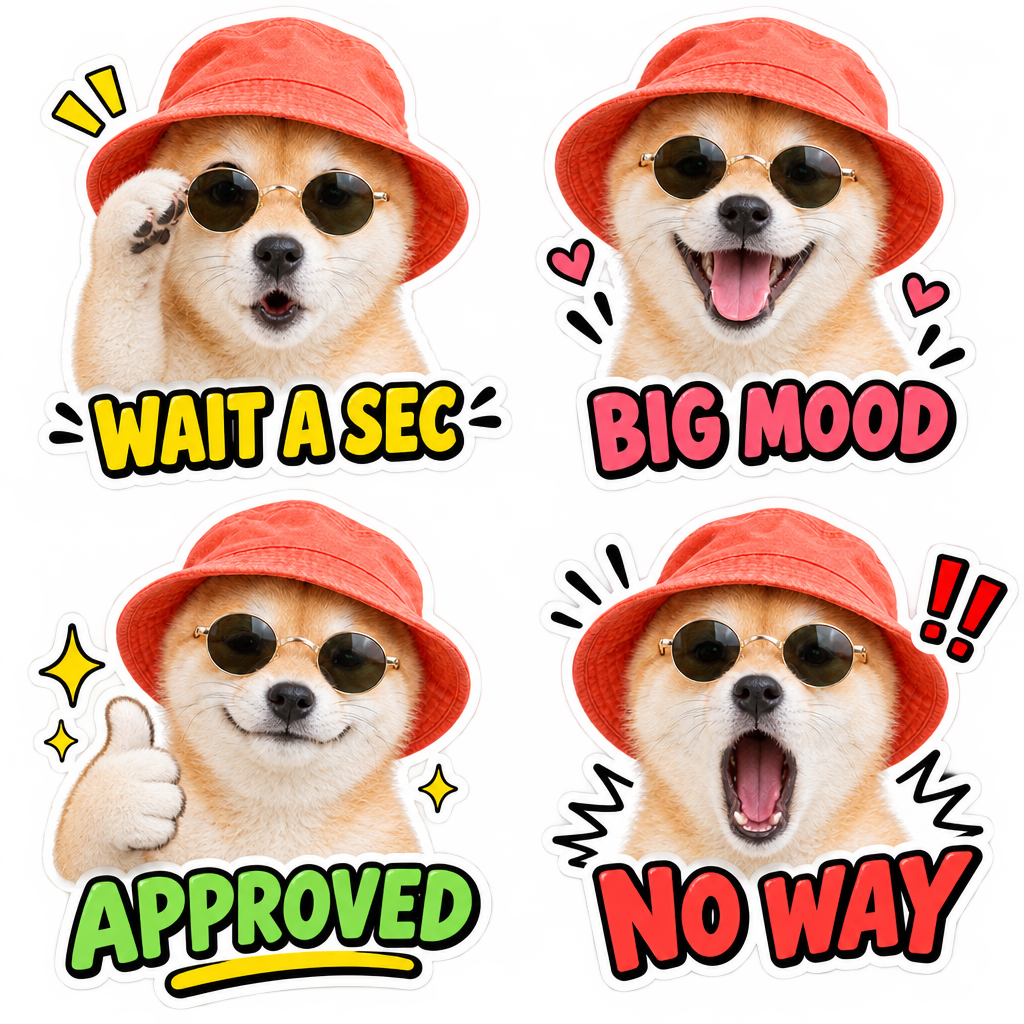
Reference Shiba 4-Pack Reaction Stickers
Turn the exact cream Shiba Inu puppy wearing the coral bucket hat and round retro sunglasses from the reference photo into a 2x2 meme reaction sticker pack sheet on a clean light gray backdrop, thick white die-cut sticker borders, 4 distinct exaggerated expressions with bold short comic labels underneath each sticker: 'WAIT A SEC', 'BIG MOOD', 'APPROVED', and 'NO WAY', crisp illustrated sticker style preserving the puppy's exact fur, coral bucket hat, and round sunglasses
02
How to make a meme or animated GIF in AI Meme Tools
Start with the reaction or joke you want to land. Tell AI Meme Tools the character, expression, setting, and exact meme text you want rendered in the frame.
For animated GIFs, describe one clear looping action such as typing furiously, squinting into a side-eye glare, or tossing confetti. For reference sticker packs, upload a clear portrait and specify the expressions.
- STEP 1
Pick Animated GIF, Text-to-Meme, or Reference Image
Start directly in GPT Image 2.6 Flare GIF mode on the homepage, switch to PNG/SVG for static memes or vector stickers, or open Image mode to transform your own reference photo.
- STEP 2
Write your punchline or load a paired example
Type your prompt with exact caption wording, or click Use this prompt on any AI Meme Tools showcase card to load its tested prompt and reference input.
- STEP 3
Check format, quality, and displayed credits
Review the live credit quote before submitting. Native 768x768 7-frame meme GIFs start at 8 credits (medium) or 32 credits (high), transparent at 1 cent per credit.
- STEP 4
Preview, save to library, and download
Inspect the finished animated GIF or meme in your workspace history, save it automatically to your private library, and download or remix it into video.

Input
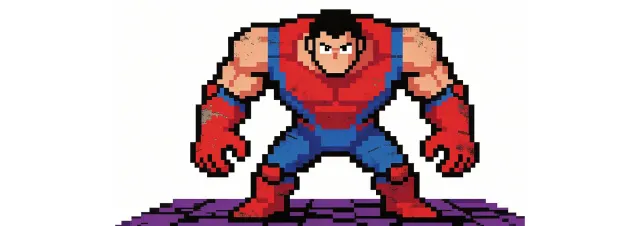
Image 1
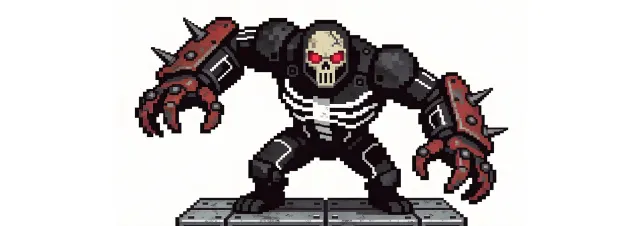
Image 2
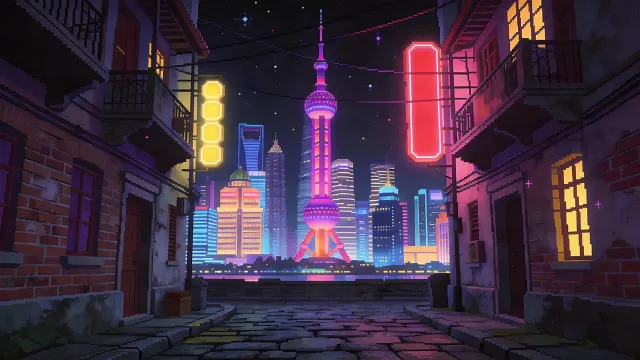
Image 3
Video 1
Audio 1
Output
Prompt:Using the character actions and camera language from @Video 1, generate a combat sequence featuring the characters from @Image 1 and @Image 2, set against the background of @Image 3. The fight choreography and visual style should emulate the pixel-art, side-scrolling combat of the classic game Contra, including retro movement rhythms and arcade-style impact beats. Apply the background music from @Audio 1, and synchronize additional combat sound effects—hits, jumps, and weapon actions—with the on-screen fighting motions to enhance intensity and immersion.
03
Five workflows built into AI Meme Tools
Native Animated Meme GIFs with GPT Image 2.6
AI Meme Tools defaults to GPT Image 2.6 Flare in native GIF mode, producing crisp 768x768 seven-frame looping reaction GIFs at 200 ms per frame with readable meme captions.
Switch between medium (8 credits) for rapid comedic drafts and high (32 credits) for sharper character detail, or choose SVG output on GPT Image 2.6 for clean vector memes and icons.
Every generated GIF previews inline, saves directly to your private AI Meme Tools storage, and downloads as a ready-to-share GIF file for Discord, Slack, X, and group chats.
Text-to-Meme & Reference-Image Sticker Packs
Create classic Impact-caption static memes from text in seconds, or switch to Image mode and upload a pet, mascot, or authorized portrait to turn it into a 4-panel meme reaction sticker pack.
AI Meme Tools preserves your reference prompt and uploads across sign-in so you can draft freely, compare outputs side by side, and iterate on expressions without losing your setup.
Pair your sticker packs with our built-in browser background remover, crop, resize, and compression tools to prep stickers for Telegram, WhatsApp, or Discord.
Full AI Video Studio & Kie Seedance 2.5 Face Swap
Move beyond still memes into full AI video creation with MiniMax H3 Max, Seedance 2.5, Kling, Veo, and Wan models right inside the same AI Meme Tools workspace.
For video meme remixes, AI Meme Tools integrates Kie Seedance 2.5 Face Swap (480p, 720p, and 1080p) to swap an authorized portrait cleanly into a 2-to-30 second clip.
All video models show clear per-second or per-job credit quotes before you submit, with automatic reconciliation and private cloud storage.
Multi-Vendor LLM Code Rendering for Images & Motion
Choose leading LLMs grouped by vendor — Anthropic Claude, OpenAI GPT-6, Google Gemini 4, DeepSeek, Alibaba Qwen, Moonshot Kimi, xAI Grok, Meta Muse, MiniMax, and NVIDIA — directly inside the Image and Video model pickers.
Each LLM writes structured visual code rendered right in your browser canvas, exporting pixel-accurate PNG graphics and 720p/1080p MP4 motion clips with transparent token-based credit settlement.
Revise scenes iteratively with follow-up prompts while keeping the exact AI Meme Tools workspace layout.
Free Browser Image Utilities & Writing Tools
Resize, crop, compress, convert, rotate, watermark, or remove backgrounds from your meme templates right in the browser with zero generation credits required.
Polish meme captions, social posts, and descriptions using built-in Humanize AI rewriting with Natural, Friendly, and Professional tones.
Everything stays organized in one account with private asset history, transparent pricing, and independent provider access.
Camera moves you can direct
Two stills become one shot
The same character, shot after shot
Sound generated with the picture
One look held across every shot
It hits the beats in order
One continuous take, no cuts
Playable-looking game footage
A line to camera, lip synced
Claymation frog with pancakes
Hummingbird at a trumpet flower
Espresso, macro
04
Workflow examples
Illustrative ways to plan, generate, and review your work.
01
Product image draft
Illustrative workflow
Begin with a product photograph and a focused image-editing brief. Compare the draft with the original for shape, labels, and proportions before placing it into a listing. Add approved logos and exact copy in your design application.
02
One short product clip
Illustrative workflow
Choose a video model and describe one small action, such as a careful object turn. Review the available duration, resolution, and credits. Check the completed take for object continuity and sound before using it in a larger edit.
03
Editorial illustration
Illustrative workflow
Give the image workspace a subject, viewpoint, and visual metaphor that supports your article. Preview the result inside the intended layout. Adjust the crop or composition when it competes with the headline or obscures an important detail.
04
Lighter image attachments
Illustrative workflow
Sign in and use Compress Image when a picture has the right dimensions but a large file size. Compression runs in the browser; input and output images are saved to your account. Compare the result before downloading individual files or a ZIP.
05
A clearer text draft
Illustrative workflow
Paste a draft into Humanize AI and select Natural, Friendly, or Professional tone. Review the rewrite for meaning, names, figures, and technical terms. Copy or download the version you have checked; detector scores and publication outcomes are not guaranteed.
06
A visual series
Illustrative workflow
Record the palette, viewpoint, lighting, and subject scale in a reusable brief. Supply relevant references where the selected image model supports them. Compare the images together, then revise specific differences instead of assuming automatic campaign-wide consistency.
Featured on
TRENDING
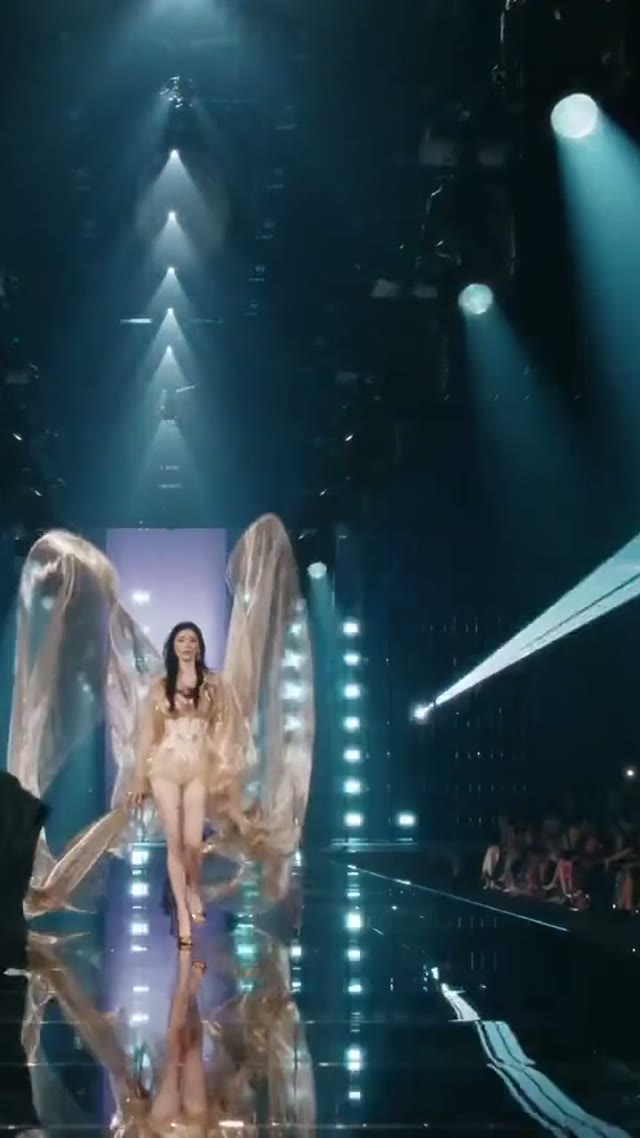
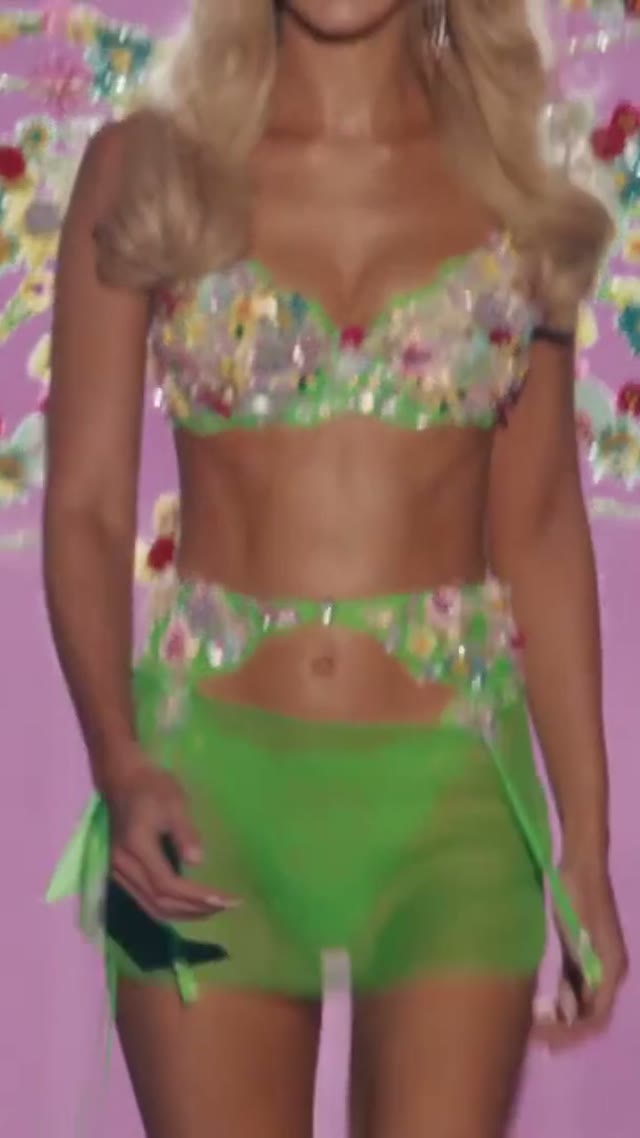
Browse all ↗More Trending Templates
AI Meme Tools Pricing and Credit Plans
Cancel anytime
Trending face-swap templates cost 300 Credits per video, including full-length Bad Times and every available format. Other tools keep their own quotes. Existing MV tickets remain usable until their original expiry; new tickets are no longer sold.
Pay once annually; receive 1/12 of your annual Credits each month. The first allocation arrives after payment, then monthly. Tax included. Each allocation expires at the next subscription month or paid-year end.
Lite
50% off0.025 / credit
$358.8$179 / year50% off
$14.9/month equivalent · Billed $179· Save $179.8
Annual total: 7,200 credits, issued monthly
600/month
Video Models
MiniMaxSeedanceWanGrok ImagineKling


Image Models
SeedreamGPT ImageNano Banana


- Includes MiniMax H3 and all premium models
- Up to 1 batch generation task
- Standard generation speed
- Standard generation success rate
- Standard customer support
- Commercial Use License
Standard
50% off0.017 / credit
$598.8$299 / year50% off
$24.9/month equivalent · Billed $299· Save $299.8
Annual total: 18,000 credits, issued monthly
1,500/month
Video Models
MiniMaxSeedanceWanGrok ImagineKling
Image Models
SeedreamGPT ImageNano Banana
- Includes MiniMax H3 and all premium models
- Up to 4 batch generation tasks
- Priority processing speed
- High generation success rate
- Priority customer support
- Commercial Use License
Pro
50% off0.014 / credit
$1198.8$599 / year50% off
$49.9/month equivalent · Billed $599· Save $599.8
Annual total: 43,200 credits, issued monthly
3,600/month
Video Models
MiniMaxSeedanceWanGrok ImagineKling
Image Models
SeedreamGPT ImageNano Banana
- Includes MiniMax H3 and all premium models
- Up to 10 batch generation tasks
- Fastest generation speed
- High generation success rate
- Dedicated account manager
- Commercial Use License
Max
50% off0.012 / credit
$2398.8$1,199 / year50% off
$99.9/month equivalent · Billed $1,199· Save $1,199.8
1x
1x2x3x4x5x
Annual total: 96,000 credits, issued monthly
8,000/month
Video Models
MiniMaxSeedanceWanGrok ImagineKling
Image Models
SeedreamGPT ImageNano Banana
- Includes MiniMax H3 and all premium models
- Up to 10 batch generation tasks
- Fastest generation speed
- High generation success rate
- Dedicated account manager
- Commercial Use License
Pay safely and securely with















05
FAQ
Inputs, outputs, credits, boundaries.
FAQ
Frequently asked questions about AI Meme Tools
Quick answers on animated meme GIFs, reference-image sticker packs, pricing, and workflows on AI Meme Tools.
The homepage opens in Animated GIF mode using GPT Image 2.6 Flare (768x768, 7 frames at 200 ms, looping GIF). You can switch to PNG for static text memes, SVG for vector art, Image mode for reference-image sticker packs, or Video mode for full AI clips.
Yes. Switch to Image mode (or click Use this prompt on the Reference Cat Sticker Pack example), upload your photo or mascot, and describe the meme captions or sticker expressions you want.
AI Meme Tools quotes exact credits before every run at 1 cent ($0.01) per credit. A medium 768x768 7-frame GPT Image 2.6 GIF is 8 credits, high is 32 credits, and browser image utilities are free to use.
Yes. GPT Image 2.6 supports native GIF and SVG output, and the Video Face Swap workflow uses Kie Seedance 2.5 at 480p, 720p, or 1080p for authorized portraits.
Vendor LLMs (Anthropic, OpenAI, Google, DeepSeek, Qwen, Kimi, xAI, Meta, MiniMax, NVIDIA) generate structured visual code that renders live in your browser and exports clean PNG images or MP4 motion videos.
No. AI Meme Tools (aimeme.tools) is an independent creative studio integrating third-party AI models. Review your settings, credits, and outputs before publishing.
AI Meme Tools support: hi@aimeme.tools
06
CTA
Turn evidence into generation.
Start creating
Turn your next punchline into an animated meme GIF
Pick an example from the AI Meme Tools showcase or type your own caption idea. Generate looping GIFs, static text memes, and custom reference sticker packs in one workspace.
Preview instantly, save to your private library, and download ready-to-share memes in seconds.
Start creating memesReview the selected model
Check credits before generation
Inspect your result